AI Video
Best AI Video Generator in 2026: How to Create Content Without Filming
The best AI video generator in 2026 depends on the job: Veo 3 leads for realism and native audio, Kling for product motion and price, and all-in-one platforms like SMPL Social for turning a product photo into a finished ad without filming anything.
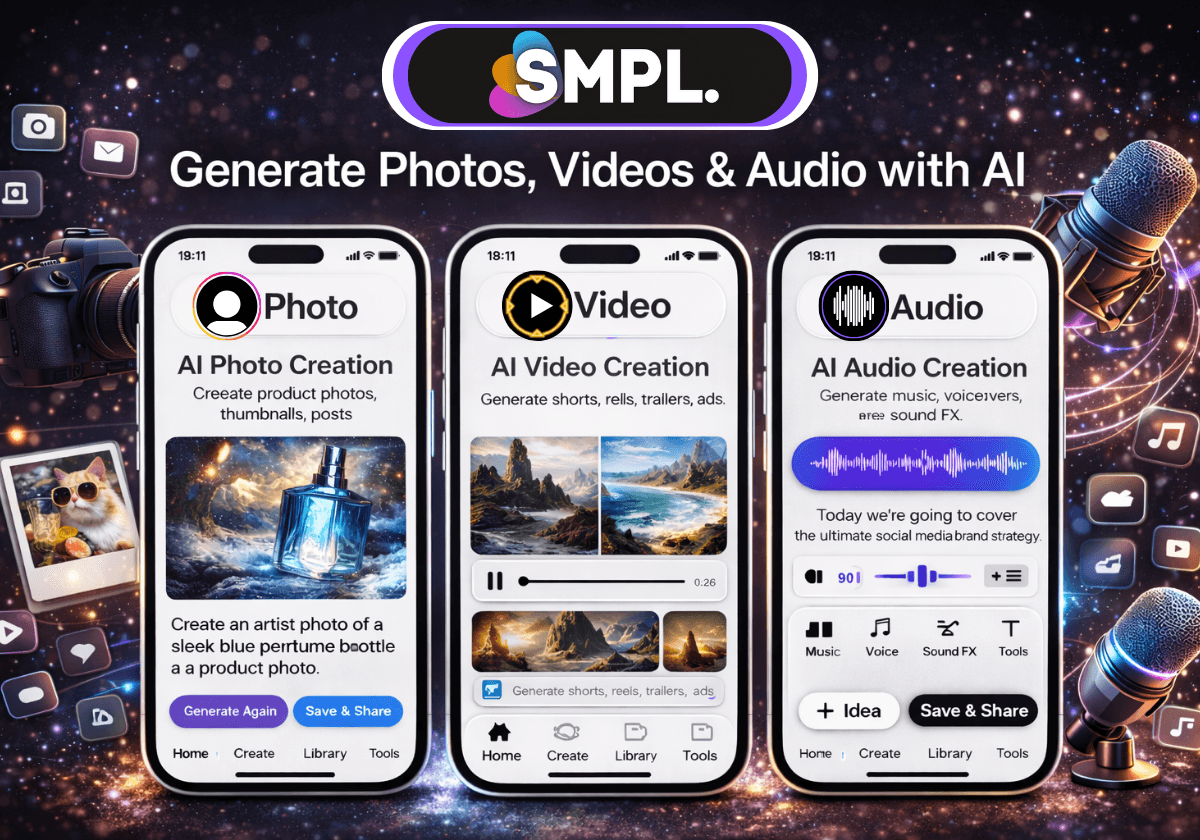
In this guide, we’ll explain how AI video generators work, why they are growing so fast, and how to use SMPL Social to create content without filming.
What Is an AI Video Generator?
An AI video generator is a tool that creates videos from text prompts.
Instead of recording footage, you simply describe what you want to see, and the AI generates the video automatically.
For example, you can input:
“A cinematic shot of a car driving through a futuristic city at night”
And the AI will generate a complete video based on that description.
Why AI Video Generators Are Growing So Fast
AI video tools are becoming popular for several reasons:
They save time
They reduce production costs
They eliminate the need for equipment
They allow for fast experimentation
This makes them ideal for creators, marketers, and businesses.
Key Features of the Best AI Video Generators
When choosing an AI video generator, look for:
High-quality video output (720p, 1080p, 4K)
Fast generation speed
Flexible video duration
Audio generation options
Easy-to-use interface
SMPL Social combines all of these features into one platform.
How to Create Videos Without Filming
Follow these steps to create AI videos using SMPL Social:
Step 1: Enter Your Idea
Start with a simple concept.
Example:
“A luxury watch product video with dramatic lighting and slow motion”
Step 2: Choose Your Settings
Select:
Resolution (720p, 1080p, or 4K)
Duration (4, 6, or 8 seconds)
Audio (optional)
Step 3: Generate Your Video
Click generate and let the AI create your video.
To improve results, generate multiple variations of the same idea.
Step 4: Upgrade Your Best Result
Once you find a strong version:
Increase resolution
Extend duration
Add audio
This produces a final, high-quality video.
Who Should Use AI Video Generators?
AI video tools are useful for:
Content creators
Social media managers
Entrepreneurs
Marketing teams
Anyone who needs consistent content can benefit from AI video generation.
Benefits of Using SMPL Social
SMPL Social allows you to:
Create videos instantly
Avoid filming and editing
Produce content at scale
Test multiple ideas quickly
This gives you a major advantage in today’s content-driven environment.
AI Video vs Traditional Video Production
Traditional video production requires:
Equipment
Filming time
Editing skills
AI video creation replaces all of this with a faster, simpler process.
This makes it possible to create more content in less time.
The Future of AI Video Creation
AI video generation is still evolving, but it is already becoming a standard tool for content creation.
In the future, we can expect:
Higher-quality outputs
Faster generation speeds
More realistic visuals
Creators who adopt these tools early will be ahead of the curve.
Conclusion
AI video generators are making it possible to create content without filming, editing, or expensive equipment.
With SMPL Social, you can turn ideas into videos in minutes and scale your content production efficiently.
If you want to create more content in less time, AI video generation is the solution.
For a head-to-head breakdown of the top models, read our full comparison: Veo 3 vs Kling vs Sora for ads in 2026.
FAQ
What is the most realistic AI video generator in 2026?
Veo 3 currently leads for human realism and lip sync; Kling leads for physical product motion like pours and fabric.
Can AI video generators make full ads?
Generations are short clips, so finished ads are assembled from a hook, b-roll, and CTA — all-in-one platforms handle this in the browser.
Do I need prompting experience?
Structured prompts covering subject, motion, camera, and lighting get professional results; built-in templates remove the learning curve.
How much do AI video generators cost?
Typically $20–$100 per month for subscription platforms, which covers dozens of videos — a fraction of one filmed production.
Start Creating With SMPL Social
Everything in this guide can be done in your browser with SMPL Social — turn a product photo or a simple idea into AI video ads, UGC content, and scroll-stopping visuals in seconds. No filming, no editing, no credit card. Sign up free and get 50 credits to make your first piece of content today.