Productivity
How to Make AI Videos for Social Media (Beginner to Advanced Guide)
AI video creation is quickly becoming one of the most powerful tools for growing on social media. Whether you are a beginner or an experienced creator, AI allows you to produce high-quality videos without filming or editing.
In this guide, you will learn exactly how to create AI videos using SMPL Social and how to scale your content effectively.
What Are AI Videos?
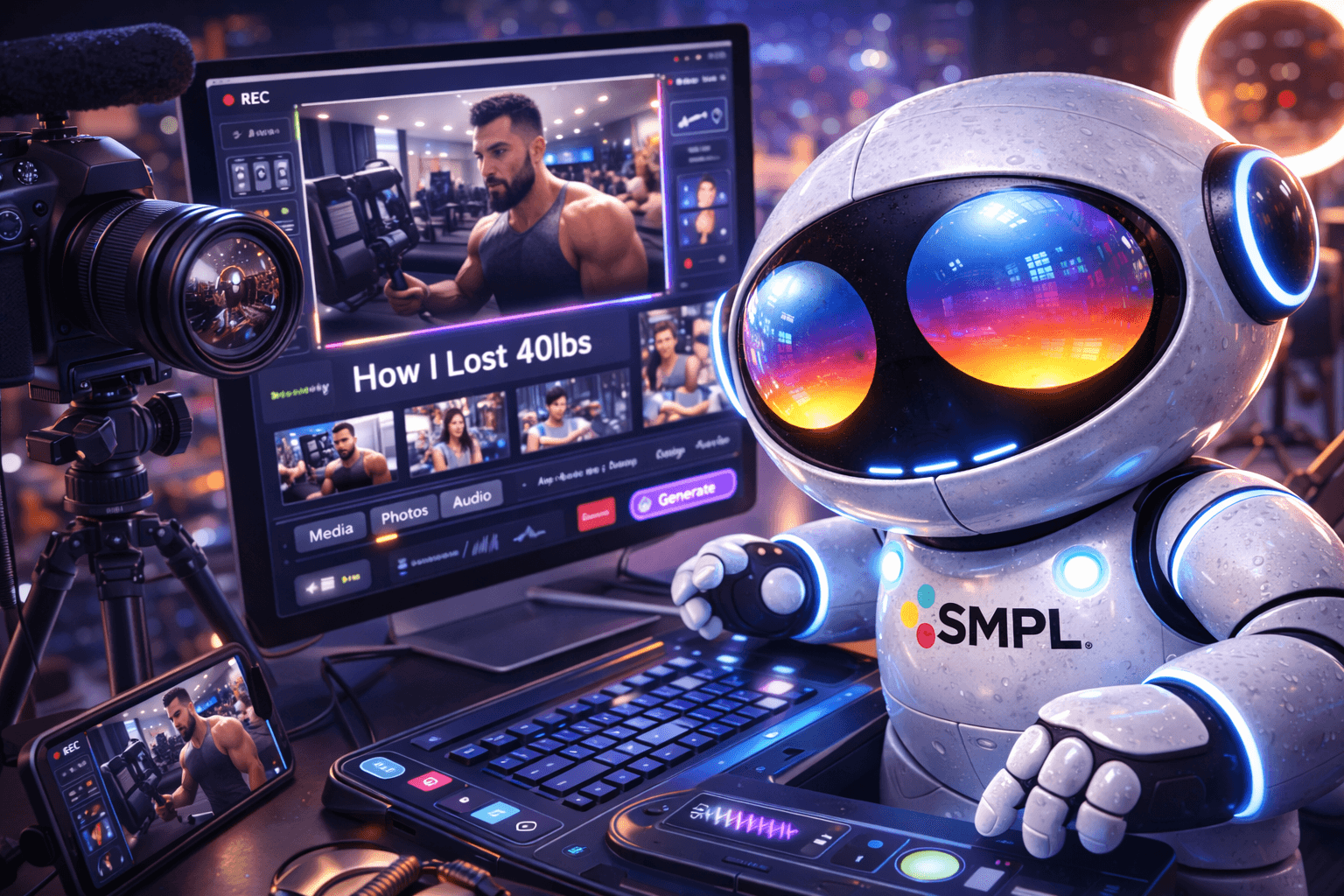
AI videos are generated using artificial intelligence based on text prompts.
Instead of recording footage, you describe a scene, and the AI creates the video for you.
This makes it possible to create content faster and with fewer resources.
Why AI Videos Work So Well on Social Media
Short-form platforms reward:
Consistency
Creativity
Volume
AI helps with all three.
You can generate multiple videos quickly, test different ideas, and find what performs best.
Step 1: Start with a Clear Concept
Before generating a video, define your idea.
Strong examples include:
A cinematic nature scene
A product-style visual
A motivational background clip
A futuristic or aesthetic concept
Simple and visually engaging ideas perform best.
Step 2: Write Better Prompts
A good prompt leads to a better video.
Use this structure:
Subject + Action + Environment + Style
Example:
“A slow-motion cinematic shot of waves crashing against cliffs during sunset, soft lighting, high detail”
Clear and descriptive prompts produce better results.
Step 3: Generate Videos Efficiently
Inside SMPL Social:
Select the video generator
Choose resolution, duration, and audio
Enter your prompt
Generate multiple versions
Start with:
720p
4 seconds
No audio
This helps you test ideas quickly and use fewer credits.
Step 4: Create Variations
Do not rely on one generation.
Change small details such as:
Lighting
Camera angles
Scene elements
Generate multiple versions to find the strongest result.
Step 5: Upgrade the Best Version
Once you find a strong video:
Increase resolution (1080p or 4K)
Increase duration (6–8 seconds)
Add audio if needed
This creates your final version.
Step 6: Optimize for Each Platform
Different platforms require different approaches.
TikTok:
Fast-paced
Strong hook
Trend-based
Instagram Reels:
Clean visuals
Aesthetic focus
YouTube Shorts:
Clear structure
Strong storytelling
Adapting your content improves performance.
Step 7: Scale Your Content
The key advantage of AI is speed.
Instead of creating one video, create many.
More content increases your chances of success
More data helps you improve faster
More output leads to more growth opportunities
Common Mistakes to Avoid
Writing vague prompts
Generating only one video
Using high settings too early
Not testing variations
Avoiding these mistakes will improve your results significantly.
Benefits of Using SMPL Social
SMPL Social allows you to:
Create videos instantly
Skip filming and editing
Generate multiple variations
Scale your content output
This makes it one of the most efficient ways to create social media content.
Conclusion
AI video creation is one of the fastest ways to grow on social media today.
By using SMPL Social, you can generate content quickly, test ideas efficiently, and scale your output without traditional production.
The creators who succeed are the ones who create consistently and adapt quickly.