Efficiency
How to Create Viral Content with AI
Creating high-quality content used to take hours — filming, editing, and posting.
Now, with AI, you can create scroll-stopping content in minutes.
In this guide, we’ll show you exactly how to use SMPL Social to generate videos and images that actually perform.
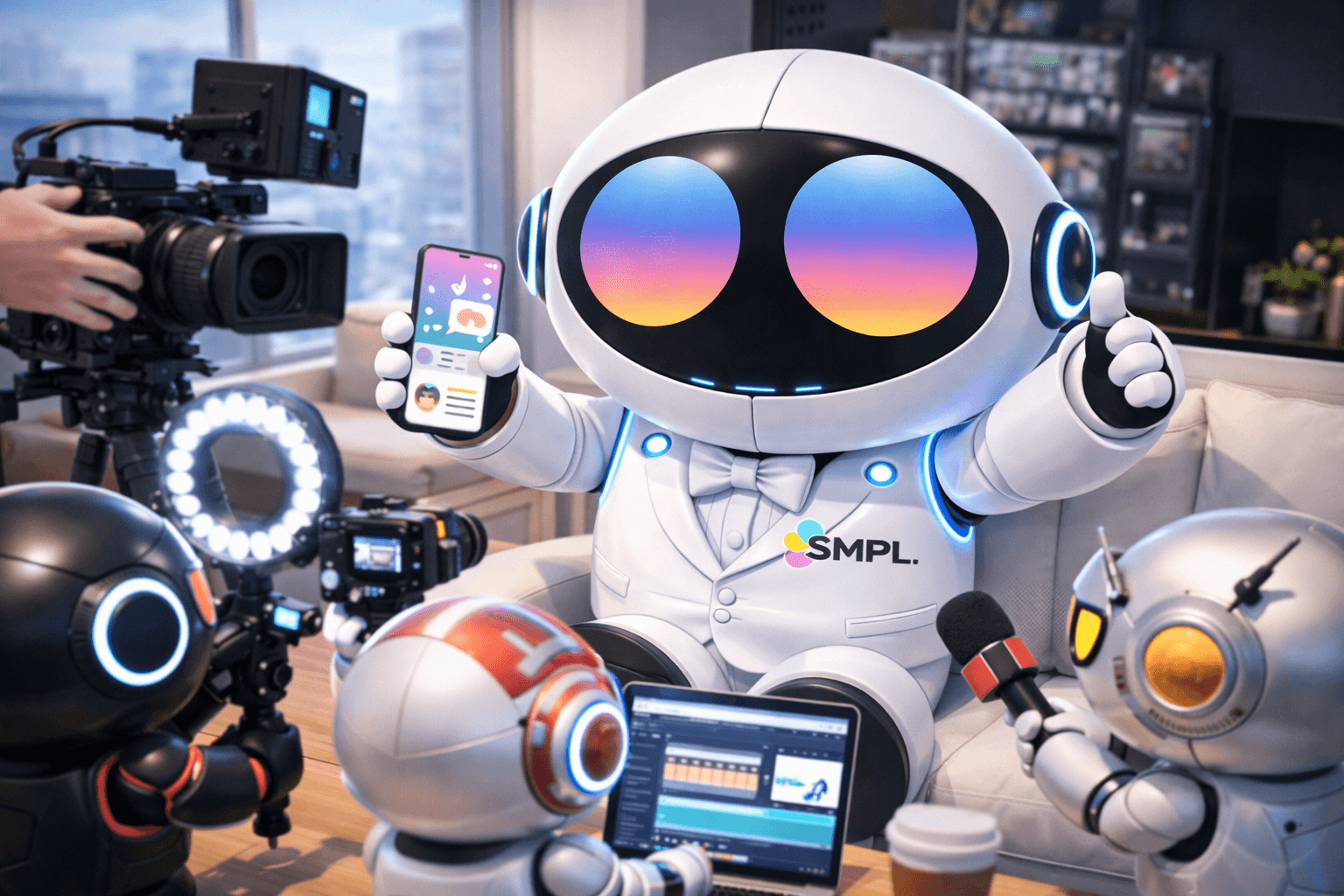
Step 1: Start with an Idea (Not Just a Prompt)
Before generating anything, think:
What would make someone stop scrolling?
Good examples:
“A futuristic city at night with neon lights”
“A cinematic product ad for sneakers”
“Motivational video with dramatic visuals”
Tip: Simple ideas perform better than complicated ones.
Step 2: Generate Your First AI Video
Inside SMPL Social:
Choose Video Generator
Select your settings:
720p / 1080p / 4K
4, 6, or 8 seconds
Optional: Add audio
Write your prompt:
Example:
“A cinematic slow-motion shot of a sports car driving through a neon-lit city at night”
Click Generate
Your video will be ready in seconds.
Pro Tip: Start Cheap, Then Upgrade
Use:
4 sec + 720p to test ideas quickly
Then upgrade your best ones to:
1080p or 4K + audio
This saves credits and improves results.
Step 3: Create Supporting Images
Images are perfect for:
Thumbnails
Social posts
Backgrounds
Inside SMPL Social:
Go to Image Generator
Choose quality:
1K (fast)
2K (best balance)
4K (ultra quality)
Enter your prompt
Example:
“Minimalist luxury sneaker product shot on a clean white background”
Step 4: Batch Create Content
The secret to growth is volume.
Instead of making 1 post, make:
5–10 variations
Change:
lighting
angle
style
mood
This increases your chances of creating a viral piece.
Step 5: Turn AI into Social Content
Use your generated content for:
TikTok videos
Instagram Reels
YouTube Shorts
Ads
Tip: Add captions, music, and hooks for better performance.
Step 6: Optimize for Credits
To get the most out of your plan:
Use short videos (4–6 sec) for testing
Use images for quick content (very efficient)
Upgrade only your best ideas